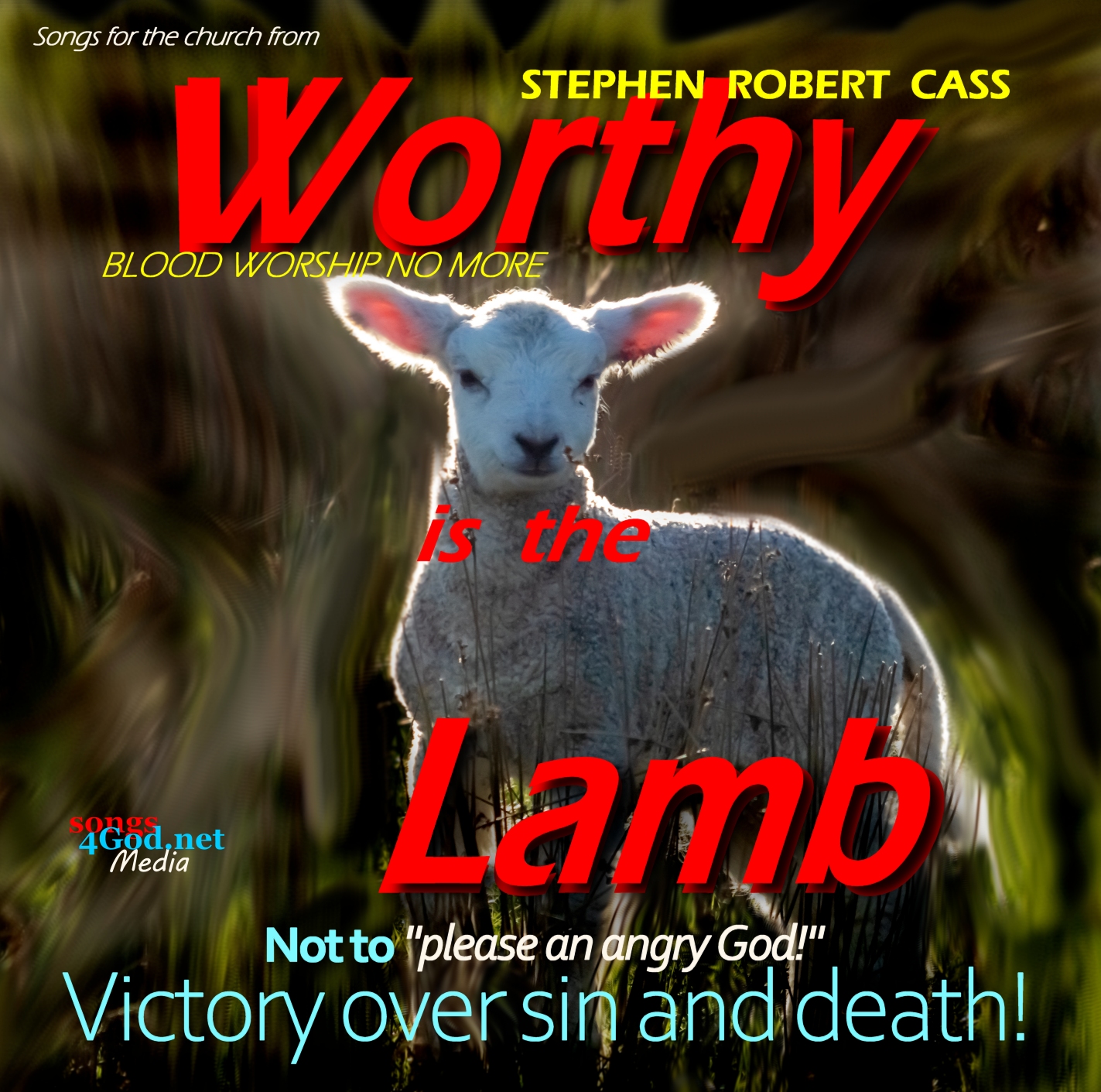
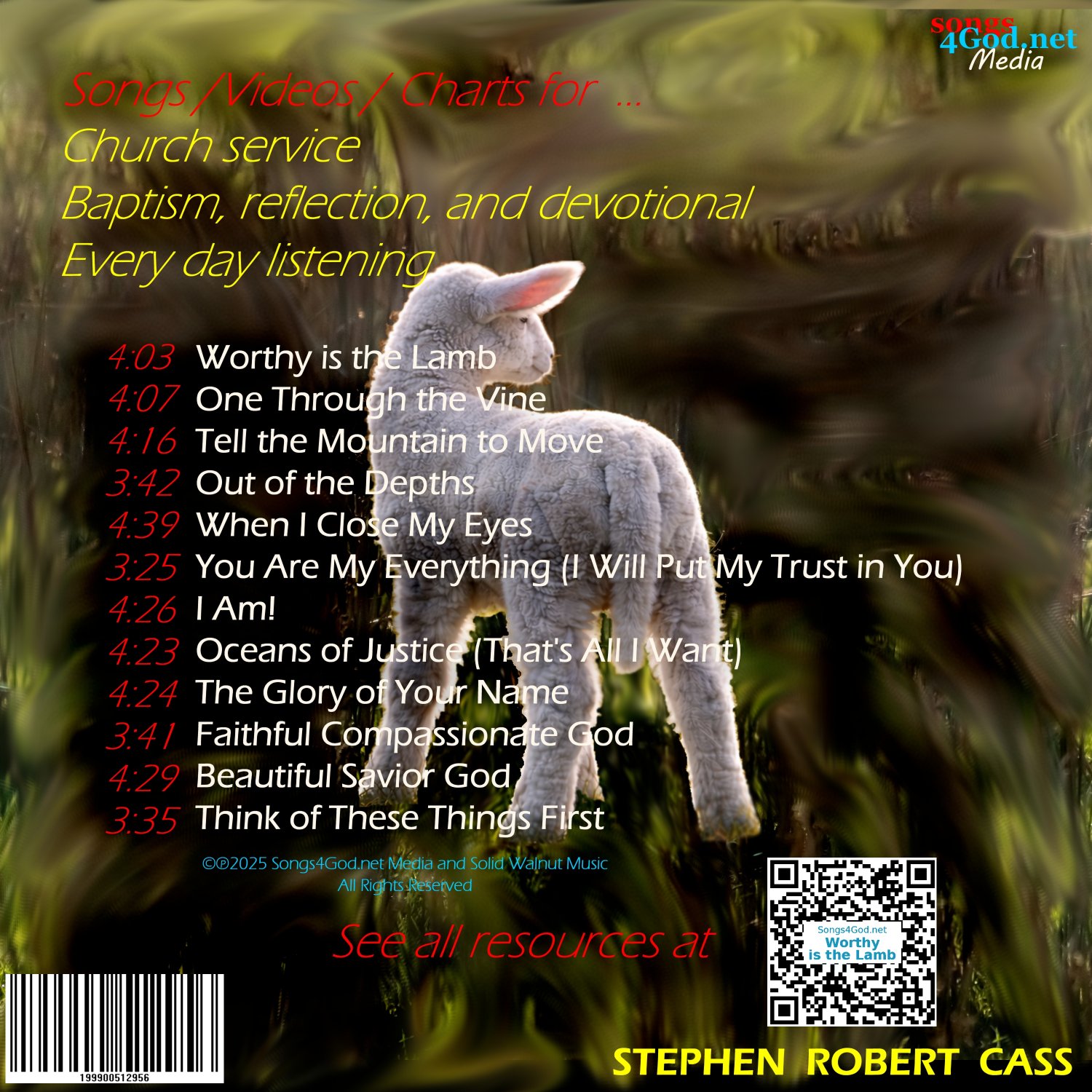
Songs for the church and resources for your daily walk!
14 Since the children have flesh and blood, he too shared in their humanity so that by his death he might break the power of him who holds the power of death—that is, the devil—15 and free those who all their lives were held in slavery by their fear of death. Hebrews 2
14 Since the children have flesh and blood, he too shared in their humanity so that by his death he might break the power of him who holds the power of death—that is, the devil—15 and free those who all their lives were held in slavery by their fear of death. Hebrews 2
View devotionals. Listen to worship songs. Download songs and personal + church resources.
Click “Play All” to open up a continual audio and video player for all songs. This opens a new page.
When on the page, click once to play to have the music in the background, then find the previous tab and continue to explore the devotionals and videos on the other pages.
Tap “Play All” to open a continual audio player for all songs. Hit play once on that page and go back to find the homepage window to continue to explore the devotionals and videos on the site.
Tap and hold “Play All” and select a new tab to open a continual audio player for all songs. Hit play once on that page and go back to find the previous tab to continue to explore the devotionals and videos on the site.